How to Actually Choose Between DAWs (Not Just a Top 5 List)
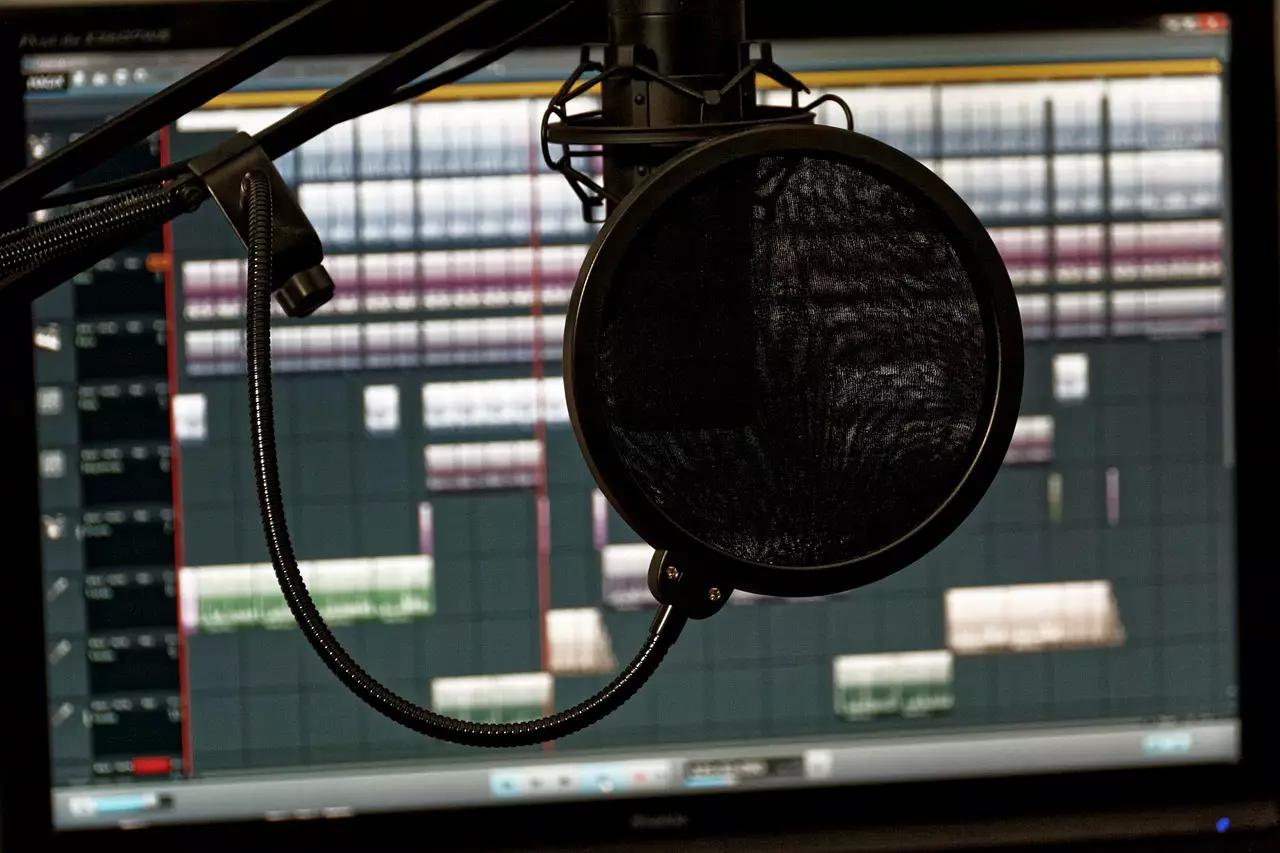
Quick answer: Choose a DAW based on four things - ease of use, cost, sound quality for your genre, and available plugins - rather than just picking whatever tops a “best DAW” list. Beginners should weight ease of use heaviest (GarageBand or BandLab are both free, capable starting points); once you know your workflow, factor in genre fit and budget. For a ranked shortlist of specific picks, see our guide to the 5 best DAWs - this piece is about the criteria behind that list, not another version of it.
Your DAW is the cornerstone of your whole setup, and there are genuinely dozens of solid options - which makes “just pick the best one” less useful advice than it sounds. Here’s what actually matters when you’re choosing.
What a DAW Actually Is
For this piece, we mean the software specifically - the program that gives you a recording, editing, and mixing environment - not the full stack of gear, cables, and hardware some people lump under the same term. DAW software exists for Windows, Mac, and Linux, with a handful of increasingly capable mobile options too, though desktop still leads for serious work.
Modern DAWs bundle what used to require separate tools - a MIDI sequencer, virtual instruments, and audio processing - into one program. Three things matter beyond the software itself: the computer running it (modern DAWs are demanding, so a decent machine matters more than people expect), the audio interface for getting sound in, and the DAW’s own interface for actually working with it.
The 4 Real Criteria
Ease of Use
Some DAWs demand real tutorial time before you’re productive; others let you start recording within minutes. If you’re just starting out, weight this heavily - GarageBand (free on Mac) is a genuinely solid, unintimidating starting point, and free cross-platform options like BandLab cover similar ground on Windows and Linux.
Cost
You don’t need to spend a lot to make real music - Reaper delivers most of a professional feature set for a fraction of what the big names charge, and GarageBand/BandLab cost nothing at all. Paying more generally buys you a deeper feature set and stronger third-party plugin support, not automatically better-sounding output.
Sound Quality and Genre Fit
Different DAWs earned their reputations in different genres - FL Studio in hip-hop and beat-making, Ableton Live in electronic and live performance, Logic Pro as a strong Mac-native all-rounder. “Best” sound quality is a genuinely debated topic among producers and depends heavily on what you’re making, not a fixed ranking. (One correction worth flagging if you’ve read an older version of this advice: Cakewalk’s Sonar, once a common recommendation here, was discontinued as a paid product years ago - it lives on now only as the free “Cakewalk by BandLab.”)
Plugins and Extras
Most DAWs ship with a preset library of sounds and instruments to start with. If you outgrow the built-ins, check how strong third-party plugin support is before committing - some DAWs have far deeper ecosystems than others, which matters more the further you get into production.
Try this prompt: Describe your situation to an AI assistant - your budget, your operating system, your genre, and whether you’re mostly beat-making, recording live instruments, or both - and ask: “Given this, which DAW criteria should I weight most heavily, and why?” Use it to sharpen your own thinking about what actually matters for your setup, then check the answer against our ranked DAW guide for specific picks.
Don’t Overthink the First Choice
If the “right” DAW still isn’t obvious, start with whatever’s most affordable and accessible, and get comfortable with the basics - the fundamentals you learn (arranging, mixing workflow, plugin routing) largely transfer if you switch to something more advanced later. The DAW you’ll actually open and use beats the “better” one sitting unopened because it’s intimidating.
Frequently Asked Questions
What’s the difference between a DAW and an audio interface? A DAW is the software you use to record, arrange, and mix - the program itself. An audio interface is the hardware box that connects a microphone or instrument to your computer so the DAW can actually receive that signal. You typically need both if you’re recording live sound.
Is expensive DAW software actually better than free options? Not necessarily - free and budget options like GarageBand, BandLab, and Reaper are genuinely capable, and plenty of released, professional-sounding music has been made on all three. Price mostly buys you a deeper feature set and more third-party plugin support, not automatically better sound.
What should I prioritize when choosing my first DAW? Ease of use over feature depth, at first - a DAW you’ll actually sit down and use beats a more powerful one that intimidates you into not opening it. You can always graduate to something more advanced once you know what you’re missing.
Once your tracks are ready, don’t let them sit unheard. Submit Your Music and let’s get them out there.
Sharing is caring — pass it on: